
Can customers upload files for an instant quote in 3DPCC?
No. 3DPCC's quoting page says it uses print time and material usage you enter from your slicer, and describes a branded PDF you share with the customer.
3D Job Desk is job-management software for 3D print shops that take customer files: customers upload a model, the desk measures it and prices it from your rates, you review and send the quote, and the job is tracked through your stages.
3DPCC and 3D Job Desk both help a 3D printing business price jobs. They start from different places. This page says where, using what each product publishes about itself, so you can pick the one that fits. Competitor details come from 3DPCC's own site, read on 2026-11-18. Check their site for current terms.
3DPCC describes itself as "3D print shop management software for makers and small businesses," aimed at makers and small print shops that sell their prints. You enter material use and print time from your slicer, plus machine, labor, hardware and packaging costs, then choose a margin to get a suggested price. It covers FDM and resin. Its PRO plan adds filament, resin, hardware and packaging stock with low-stock alerts, products with variants and SKUs, customer records, orders from quote to shipment, and markets and craft fairs, plus slicer time import and PRO on iPhone and iPad. Its quoting page says customers do not upload a file for an instant quote; you prepare the quote and share a branded PDF (Mini and PRO).
Per its pricing section: Free ($0, no credit card, 3 saved quotes, 3 materials, 1 printer profile), Mini ($5.83 a month, or $70 billed yearly) and PRO ($12.50 a month, or $150 billed yearly). Mini and PRO have a 7-day money-back guarantee. Its pages don't mention a free trial for paid plans (checked 2026-11-18); the Free plan is its no-cost option.
3D Job Desk is for shops that receive files from customers. Customers upload STL, OBJ, 3MF or STEP files through a link or a form on your site. The desk measures each file and prices it from your rates. You review the price and send the quote. Customers approve a quote by replying to the email; there is no online accept button. Quotes are in US dollars. Then the job moves through your own stages on a board and a schedule, and the customer follows it on a private link.
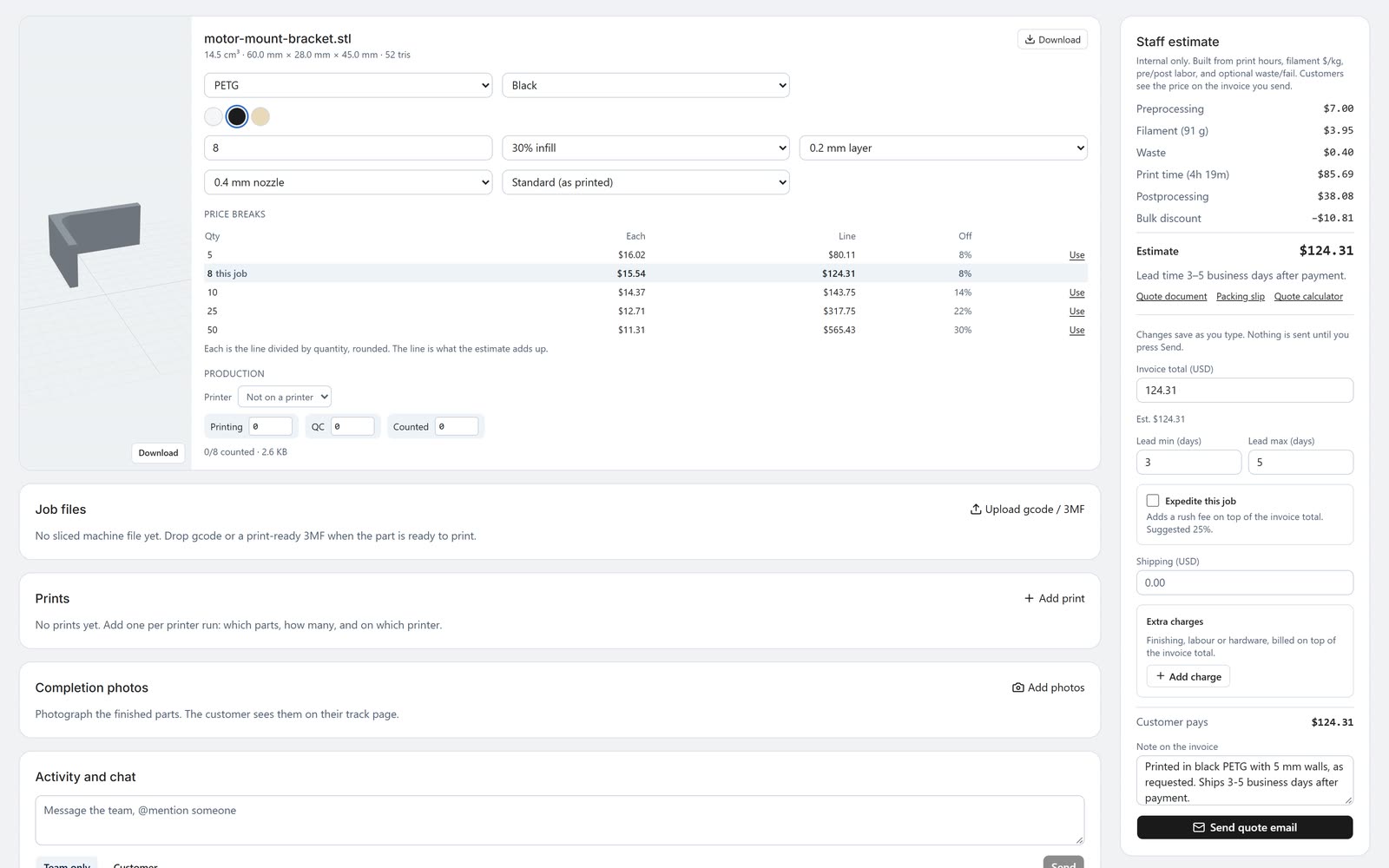
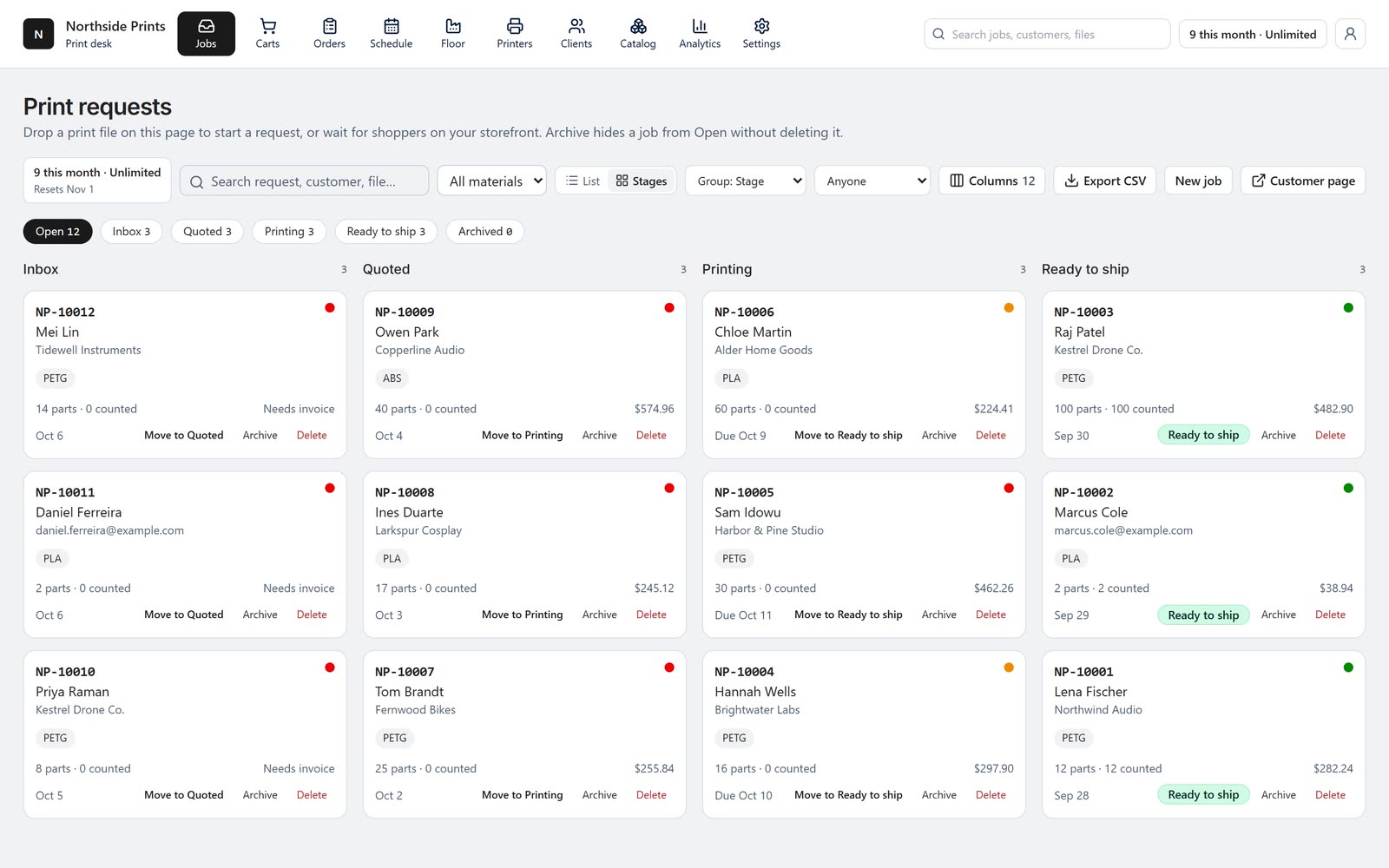
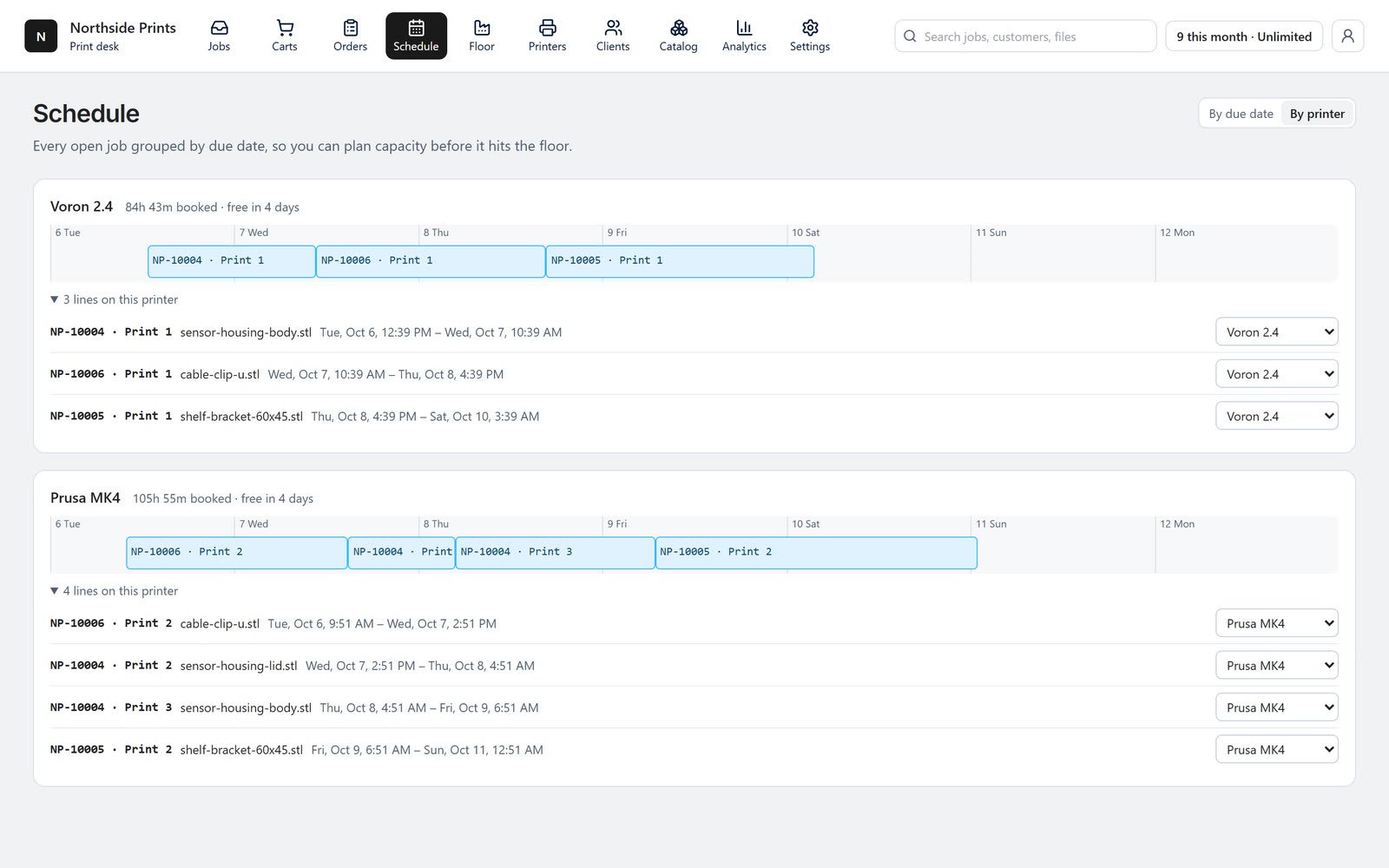
• Starting point: 3DPCC, you enter print time and material from your slicer. 3D Job Desk, the customer uploads the file and the desk measures it. • Customer upload: 3DPCC's quoting page says no upload for quoting. 3D Job Desk has an upload link and an embeddable form. • Instant quote: 3DPCC's pages don't describe a customer-facing one (checked 2026-11-18). 3D Job Desk makes it optional; you still review and send each quote. • Customer follows the job: 3DPCC's pages don't mention it (checked 2026-11-18). 3D Job Desk has a private job link and a portal with email-code sign-in. • Printer connection: 3DPCC needs none for costing (slicer import on PRO). 3D Job Desk's bridge reads Klipper (Moonraker) status; OctoPrint and Bambu Lab are in beta. • Stock: 3DPCC lists stock with low-stock alerts, products with variants/SKUs and craft-fair events under PRO. 3D Job Desk tracks filament stock per material in grams, subtracts each job's quoted grams when the job is marked paid or completed, and flags low stock on the Catalog page. • Mobile app: 3DPCC has an iPhone and iPad app (PRO). 3D Job Desk is a web app. • Entry price: 3DPCC Free plan, then $5.83 a month. 3D Job Desk Limited plan $0 (1 user, 5 jobs a month), then $15 a month. • Trial: 3DPCC lists a Free plan and no trial. 3D Job Desk has a 15-day free trial.
3D Job Desk plans are Limited $0 (1 user, 5 jobs a month), Starter $15 (1 user, 50 jobs), Team $50 (15 users, 200 jobs) and Business $150 (unlimited users and jobs).
• You sell your own prints at markets, online or through products with variants, and want costing, stock and orders for that. • You work alone and want the lowest price. • You want an iPhone or iPad app. • You do not need customers to upload files.
• Customers send you files and you want them on one desk, already attached to a job. • More than one person works the jobs, or you may add staff. Team allows 15 users. • You want customers to follow a job without emailing you. • You want to see Klipper printer status (OctoPrint and Bambu Lab in beta) next to your schedule. • You want to turn on instant estimates for customers and still approve every price.
No. 3DPCC's quoting page says it uses print time and material usage you enter from your slicer, and describes a branded PDF you share with the customer.
Its pages list a Free plan ($0, 3 saved quotes, 3 materials, 1 printer profile) and a 7-day money-back guarantee on Mini and PRO. They don't mention a free trial (checked 2026-11-18). 3D Job Desk has a 15-day free trial; cancel before it ends and you won't be charged.
3DPCC's paid plans start at $5.83 a month (Mini) and PRO is $12.50 a month. 3D Job Desk's paid plans start at $15 a month (Starter), and its Limited plan is $0 for 1 user and 5 jobs a month. They cover different jobs, so compare features, not just price.
They reply to the quote email. There is no online accept button, and quotes are in US dollars.
STL, OBJ, 3MF and STEP are measured and priced. SolidWorks .sldprt files are accepted but not auto-priced; STEP and IGES are measured.
Optionally, through a bridge program. It reads Klipper (Moonraker) status; OctoPrint and Bambu Lab support is in beta. The bridge installers are unsigned.
A spreadsheet or a calculator becomes a problem when the third customer asks "where is my order?" Start the trial, set your rates, upload a test file and send yourself a quote. Fifteen days is enough to know.
15 days free. Cancel before the trial ends and you won't be charged.
Related: